
7 Common Data Backup Mistakes Small Businesses Make and How to Avoid Them
18 January 2025
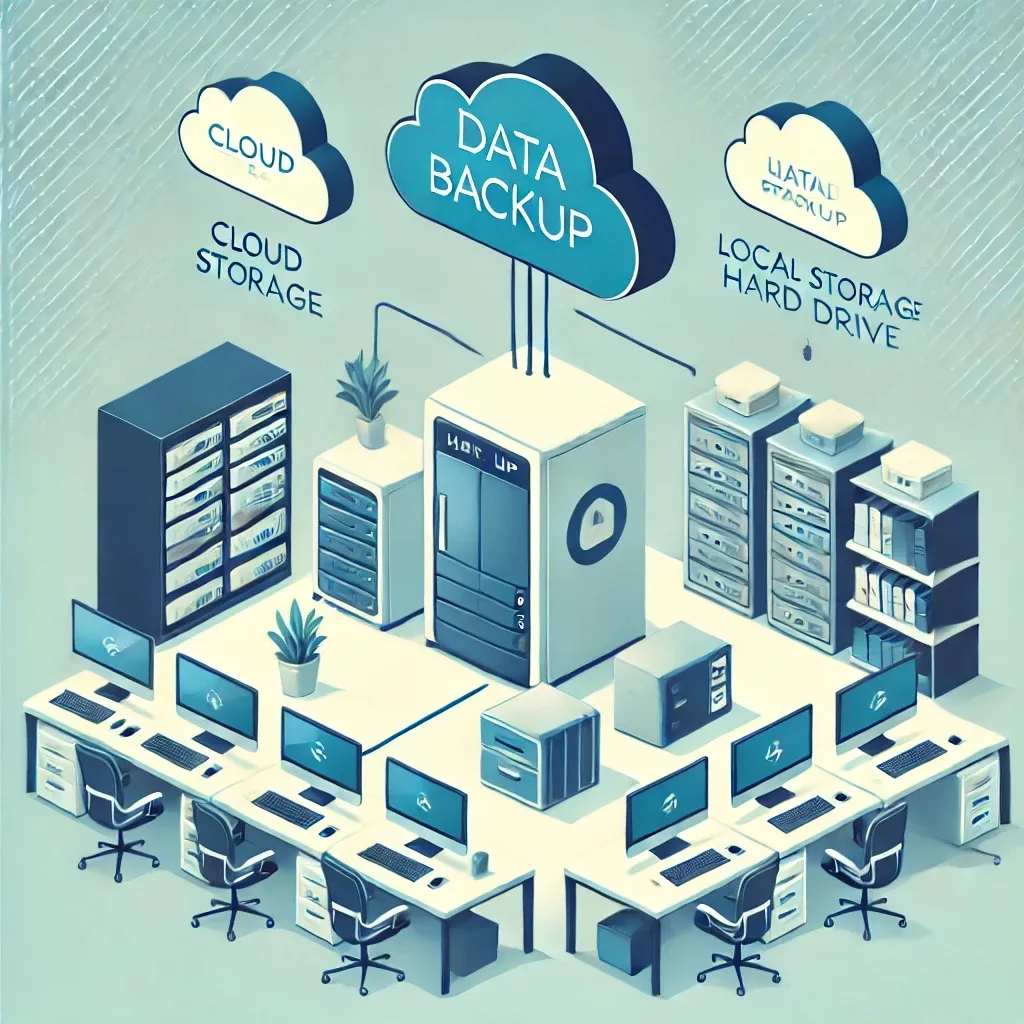
- Data Backup
- Small Business IT
In today’s digital landscape, data is the lifeblood of small businesses. From customer records to financial information and operational data, losing access to critical files can be catastrophic. Yet, many small businesses overlook the importance of robust data backup strategies. The risks are significant: data loss, prolonged downtime, and even financial ruin.
This article highlights seven common mistakes small businesses make when it comes to data backups and provides actionable solutions to safeguard your business data effectively. Avoiding these pitfalls can mean the difference between business continuity and costly setbacks.
1. Failing to Have a Backup Strategy
The Issue: Many small businesses operate without a formal backup plan, relying on ad-hoc measures or outdated practices.
Example: A small retail shop saves customer information only on a local computer. When the system crashes, all data is irretrievably lost.
Solution: Develop a comprehensive backup strategy. Identify critical data, establish backup frequency, and ensure your plan includes redundancy measures.
2. Relying Solely on Local Backups
The Issue: While local backups are convenient, they are vulnerable to physical damage, theft, or local disasters like fires or floods.
Example: A home-based business stores all backups on an external hard drive. When a fire damages the office, both the primary data and backup are lost.
Solution: Implement a hybrid backup approach. Use both local and cloud-based backups to ensure data remains accessible even in the event of a physical disaster.
3. Not Testing Backups Regularly
The Issue: A backup is only as good as its ability to restore data. Many businesses neglect to test their backups, assuming they work.
Example: An IT manager for a small consultancy discovers their backups are corrupted only after attempting a restoration during a critical outage.
Solution: Schedule regular tests of your backup systems. Document the testing process and address any issues immediately to ensure reliability.
4. Overlooking Data Encryption
The Issue: Backups that are not encrypted can expose sensitive data to theft or misuse.
Example: A healthcare provider stores unencrypted patient records on a cloud service. A breach compromises private information, leading to regulatory penalties.
Solution: Use encryption for all backups, both in transit and at rest. Choose backup solutions that meet compliance requirements for your industry.
5. Backing Up Only Some Data
The Issue: Selective backups leave critical data vulnerable to loss.
Example: A marketing agency backs up only client files, neglecting operational data like accounting records and internal documents. When a server fails, the missing data disrupts operations.
Solution: Perform a data audit to identify all essential files and systems. Configure backups to capture everything critical to your business.
6. Using Outdated Backup Methods
The Issue: Outdated technologies, such as tape drives or manual backups, are often slow, unreliable, and difficult to scale.
Example: A small law firm uses manual backups on USB drives. When a ransomware attack hits, the outdated methods delay recovery, leading to extended downtime.
Solution: Upgrade to modern, automated backup solutions. Look for cloud-integrated options that provide real-time or scheduled backups with minimal manual intervention.
7. Ignoring Retention Policies
The Issue: Keeping backups indefinitely can lead to storage bloat, while insufficient retention can result in losing important historical data.
Example: A construction company retains only two weeks’ worth of backups. When a critical file deleted a month ago needs to be restored, it’s no longer available.
Solution: Establish clear retention policies based on your business needs. Balance short-term accessibility with long-term storage to ensure regulatory compliance and operational efficiency.
Conclusion
Avoiding common data backup mistakes is crucial for ensuring your business’s resilience and protecting against data loss. A robust backup strategy not only safeguards your operations but also provides peace of mind and confidence in your ability to weather unexpected disruptions.
Take the first step today: evaluate your current data backup processes and address any gaps. Investing time and resources into a reliable backup system is an investment in the future of your business.